
From your script to a presenter ready to share it
Create your avatar, refine and approve the character, then bring it to life with a script and scene. Publish to Instagram, TikTok, or YouTube, or download your video.
Create your AI personaStep 1
Create your avatar or AI persona.
Start by creating the character who will appear in your videos. Describe your AI persona or upload a reference image to define their appearance and personality.
- Describe the character you have in mind.
- Upload a reference image to guide their look.
- Generate your first avatar before creating a video.
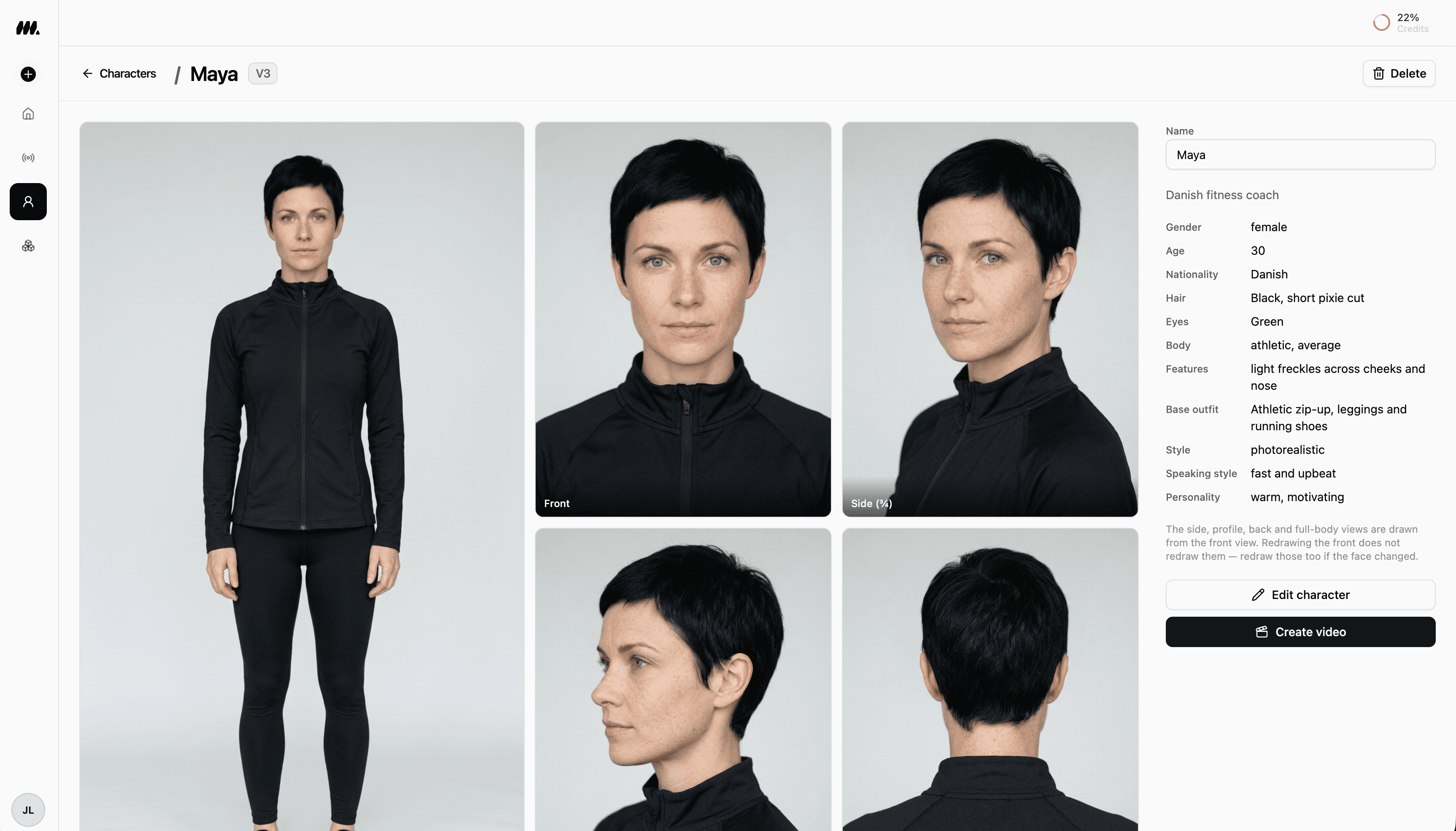
Step 2
Edit and refine your character.
Review your generated persona and make the modifications you want. Adjust their appearance, outfit, and style until the character matches your vision.
- Review the generated character from different angles.
- Modify their appearance, outfit, and style.
- Keep refining the persona until you are happy with it.
Step 3
Approve your character.
Once your avatar looks right, approve the character. Your approved AI persona is now ready to appear in the videos you create.
- Check the final character before approving it.
- Confirm the persona you want to use on screen.
- Move on to video creation with your approved avatar.
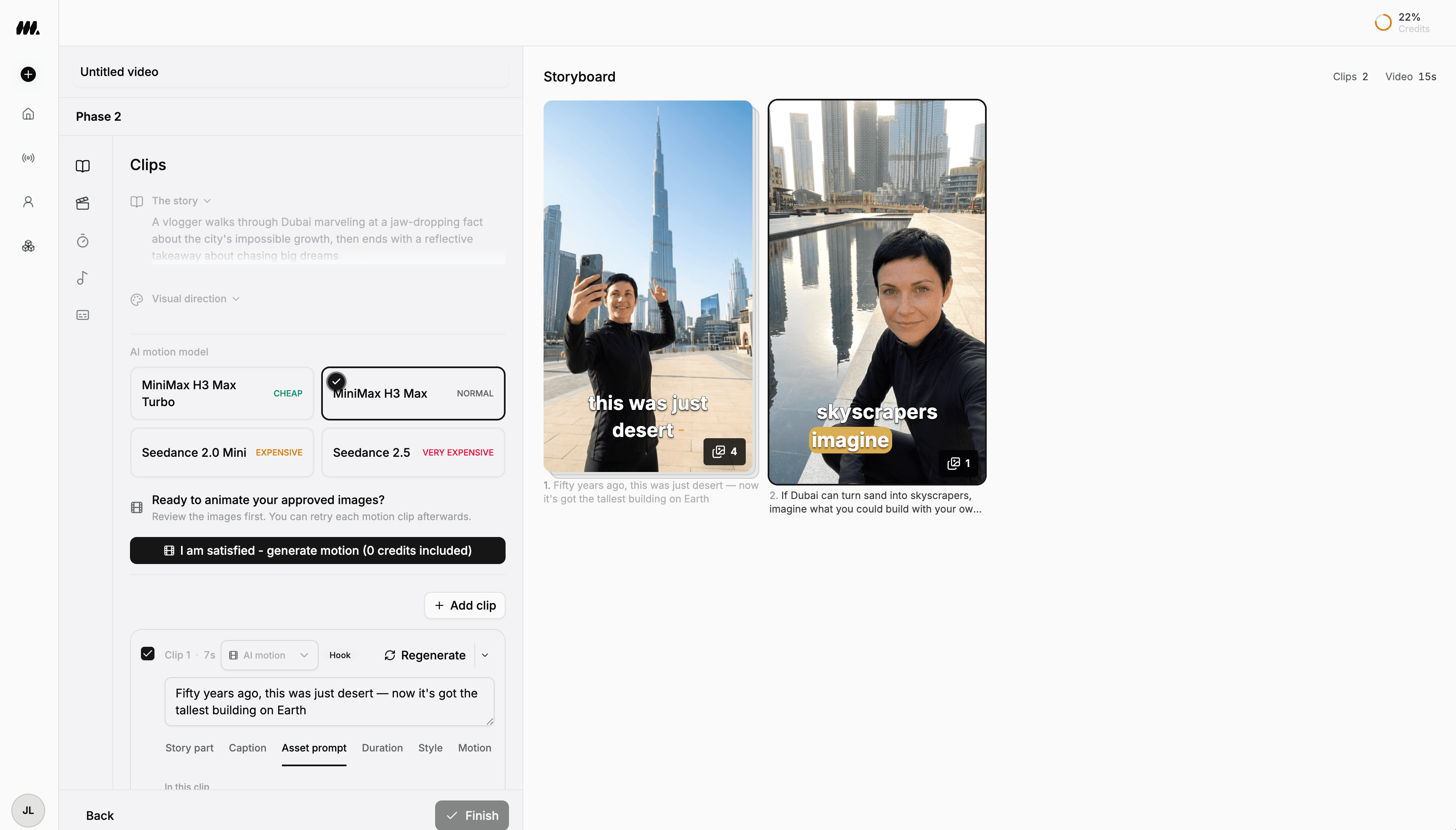
Step 4
Create your video: script and scene.
Create a video with your approved character. Write what they should say and describe the scene they should appear in, then generate and review the result.
- Write the script for your character.
- Set the scene and visual direction.
- Generate and preview the video before sharing it.
Step 5
Publish or download your video.
Share your finished video directly to Instagram, TikTok, or YouTube. You can also download it to keep a copy or upload it yourself.
- Publish to Instagram, TikTok, and YouTube.
- Choose the social channels you want to share to.
- Download the finished video whenever you need it.
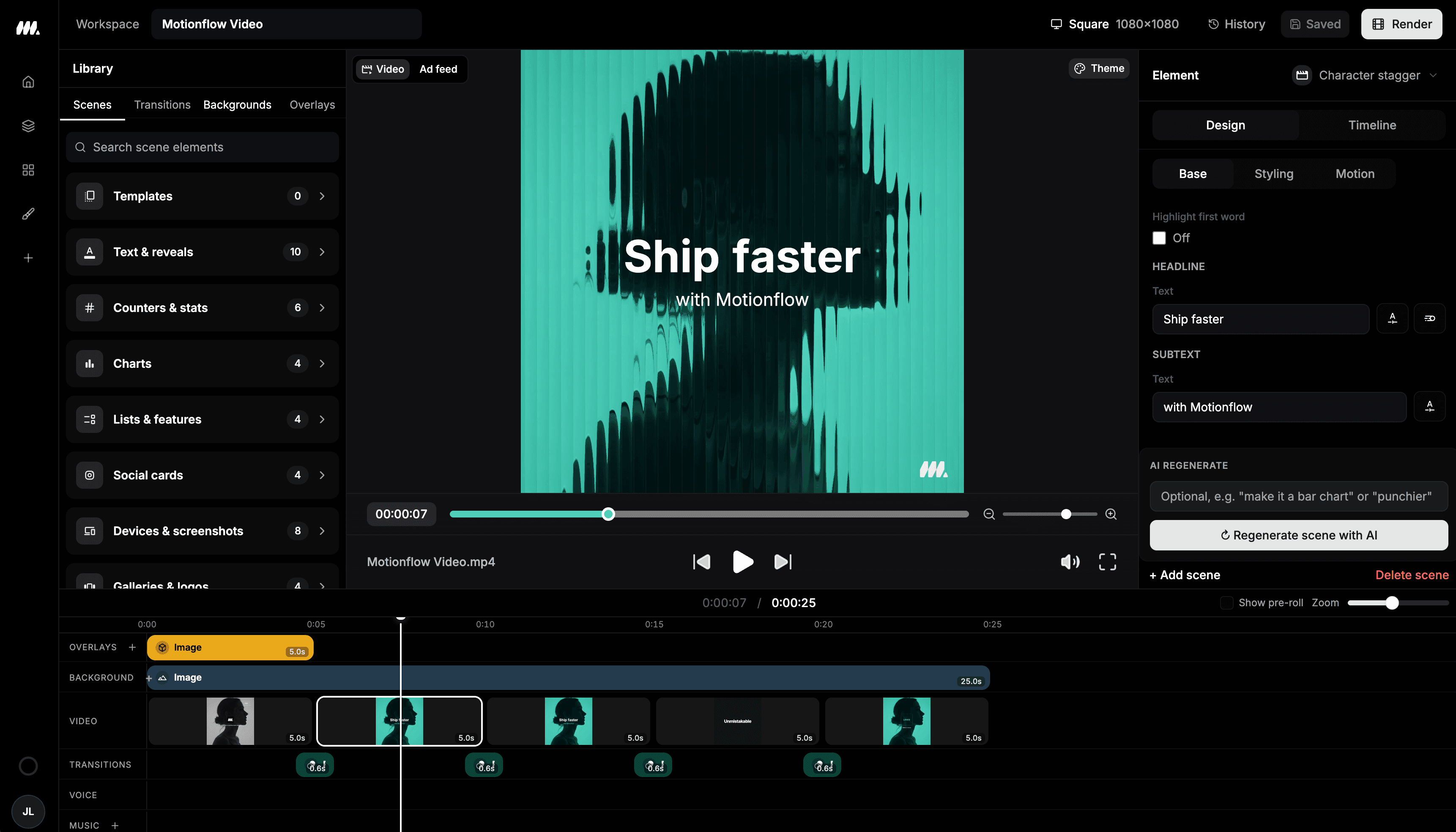
Results
Bring your AI persona to your social channels.
Turn your approved character into a UGC-style video with your own script and scene, ready to publish to Instagram, TikTok, or YouTube, or download.
UGC-style ad
Product intro
A short presenter-led clip with a clear opening, product point, and call to action.
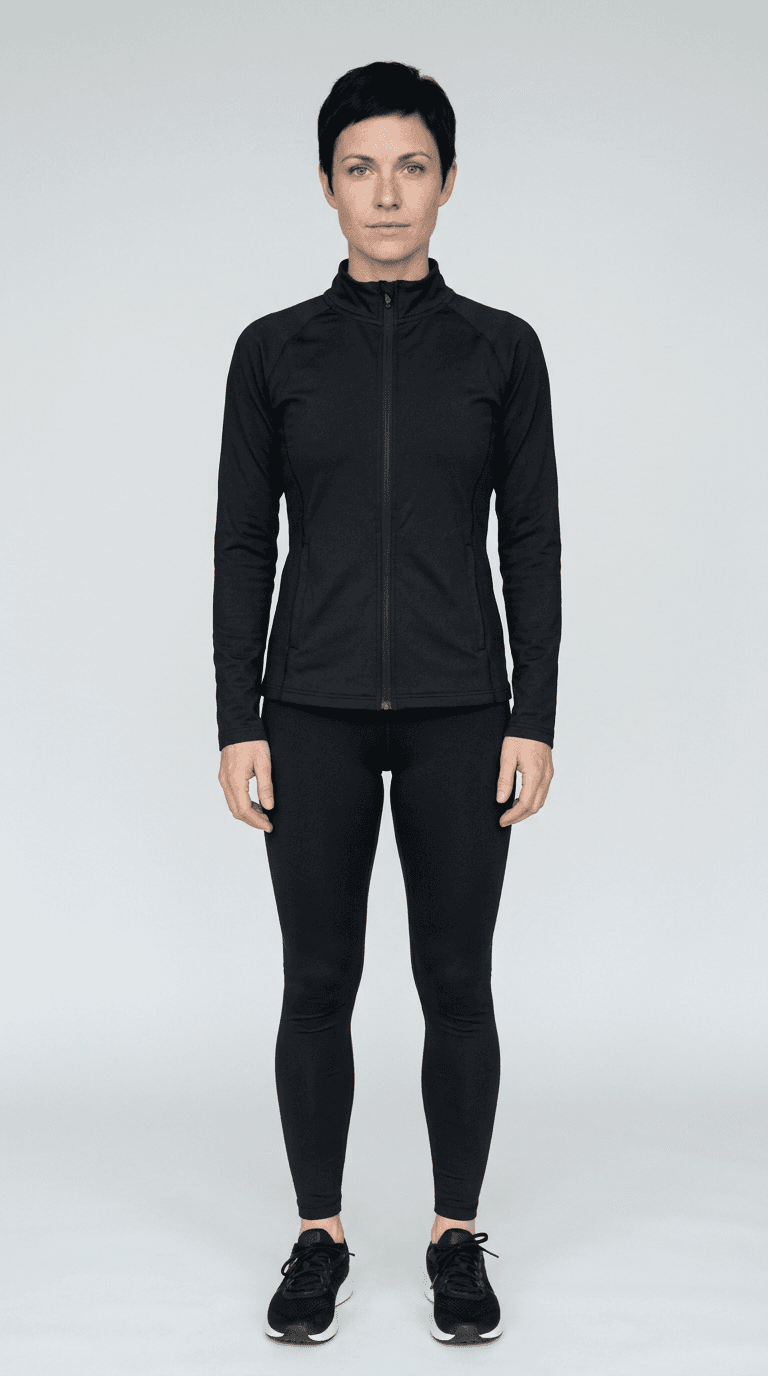
Presenter
Persona concept
An approved synthetic presenter ready to deliver the campaign message.
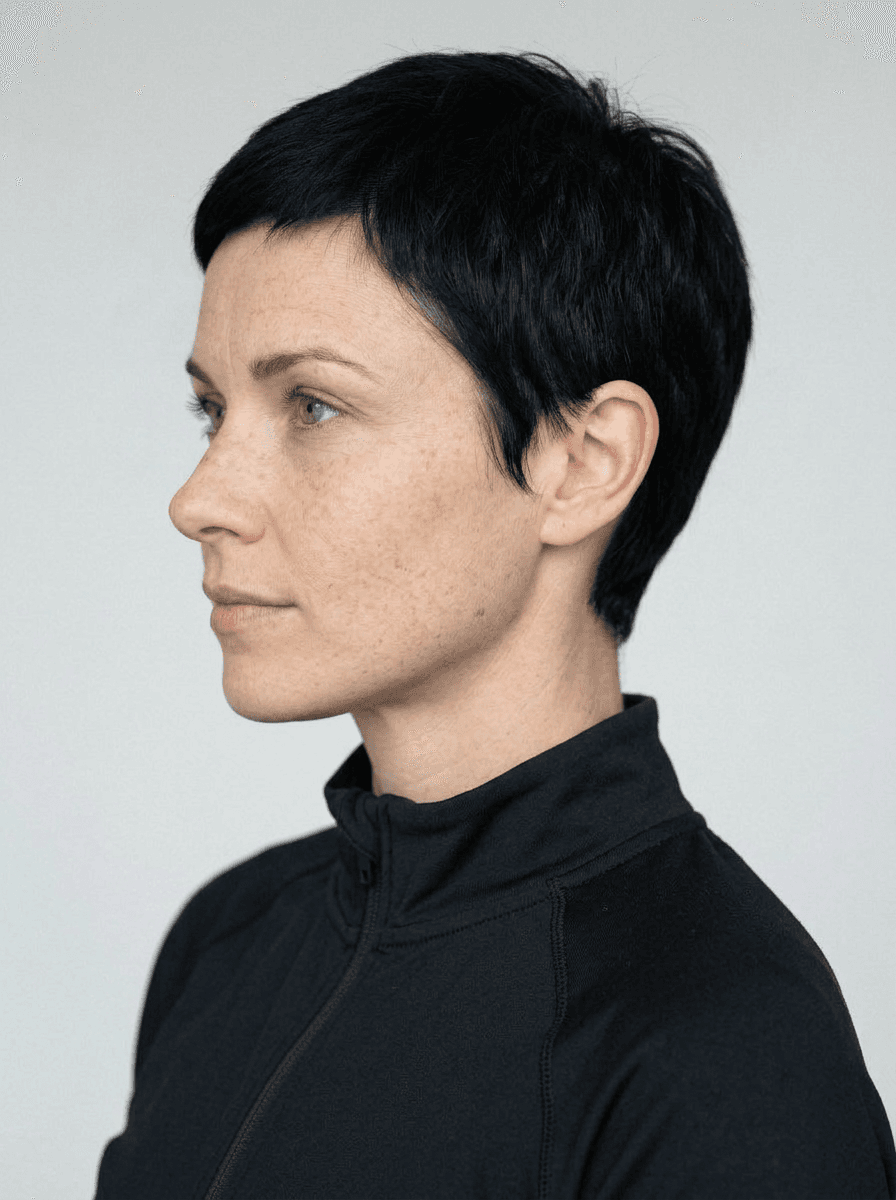
Character view
Another angle of your persona
The same AI presenter from the side, ready for different scenes and camera angles.
Get started within minutes
Ready to make your next video feel less boring?
Turn your ideas into faceless videos and AI persona clips. Bring visuals, voice-over, captions, and music together in an editable studio.
Create your first video