
Instagram Reels with a style people remember
Make Reels with a recognizable voice and visual style. Generate scenes from your idea, add narration and captions, and finish the edit before sharing it on Instagram.
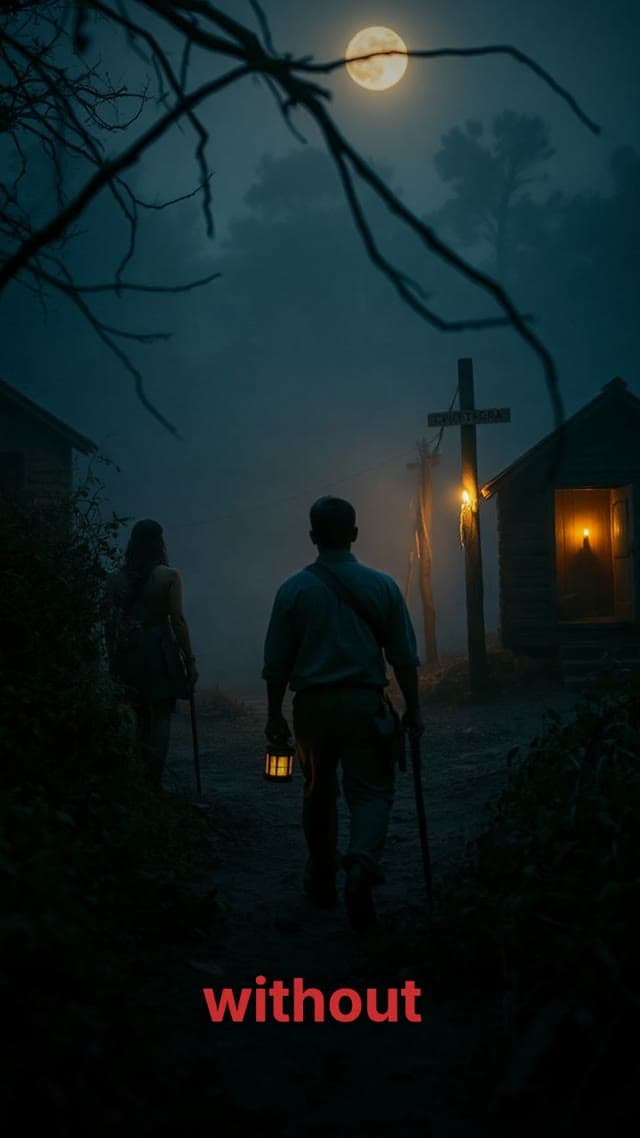
Explainers
Cinematic stories
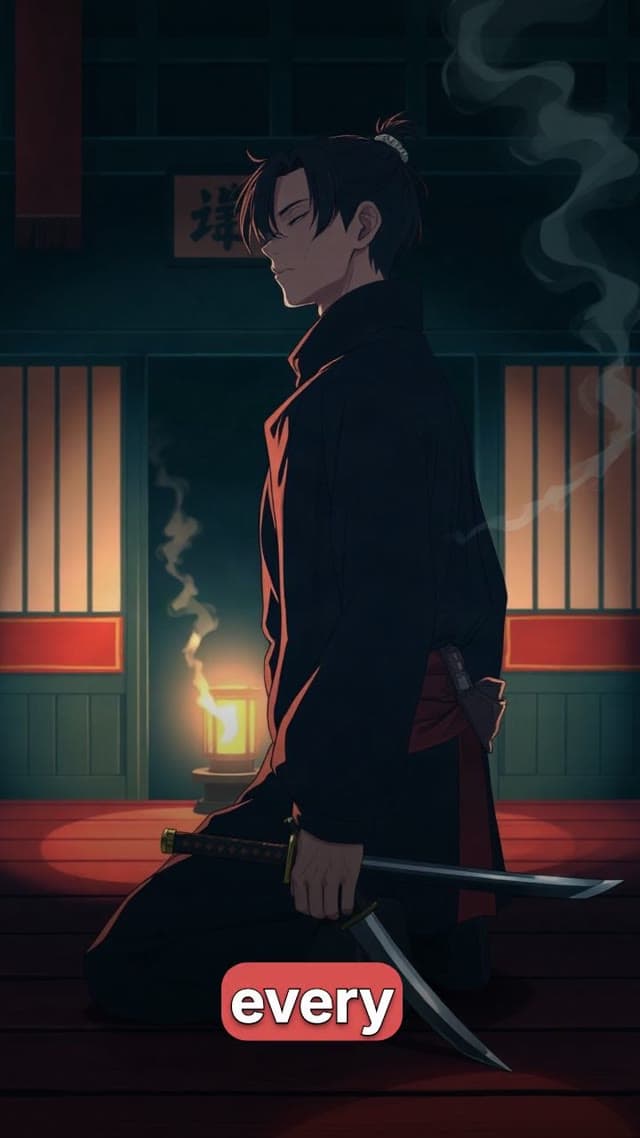
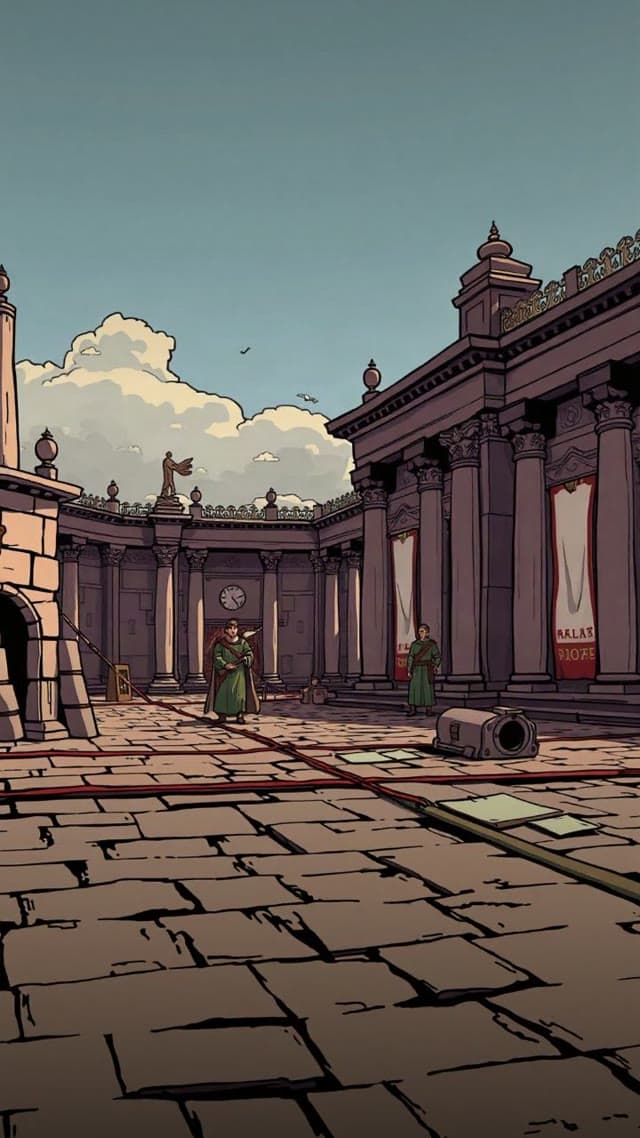
An illustrated short made with Moralab
An anime-style story example showing a repeatable visual treatment for short social videos.
How can AI help you create Instagram Reels?
AI can draft a Reel's script, generate visuals, synthesize narration, and time captions. Moralab brings those parts into an editable project. Choose a vertical format, review the video on a phone-sized preview, and export it for Instagram. A consistent narrator, art style, and caption treatment can carry across a recurring series.
Make the details
yours.
Choose from the available image styles, then use the same visual choices across related episodes.
Set narration and music alongside captions. Review the balance before rendering the final version.
Keep a recurring series focused with a stable voice, caption system, and scene structure.
From idea to
finished video.
- 01
Choose a repeatable concept
Give the Reel one topic and a clear opening. Pick the visual style and narrator you want your channel to be known for.
- 02
Refine the visual sequence
Review images and scene scripts together. Replace a weak visual and shorten scenes that slow the idea down.
- 03
Check the final frame
Preview the vertical edit, inspect captions and framing, and download the video for Instagram.
Ideas for your next video
Educational Reels
Explain a single fact or idea with visuals that support the narration.
Stylized storytelling
Build short illustrated or cinematic episodes with a consistent look.
Presenter-led messages
Use an AI persona to deliver a short explanation or product introduction.
Frequently asked questions
Can I make Reels without filming myself?
Yes. Generate a faceless video with narration and imagery, or create an AI persona clip from an approved avatar and script.
Can I change the caption style?
Yes. Choose a caption preset or customize font, color, reveal mode, position, and spoken-word highlighting.
Can I export a Reel from an existing project?
Yes. Use a vertical export format, preview the framing, and adjust scene and caption placement before downloading.
Get started within minutes
Ready to make your next video feel less boring?
Turn your ideas into faceless videos and AI persona clips. Bring visuals, voice-over, captions, and music together in an editable studio.
Create your first video