
Some ideas land better in motion
Give your message movement with editable animated scenes. Build titles, product moments, proof, and calls to action, then set the timing and style in the Moralab studio.
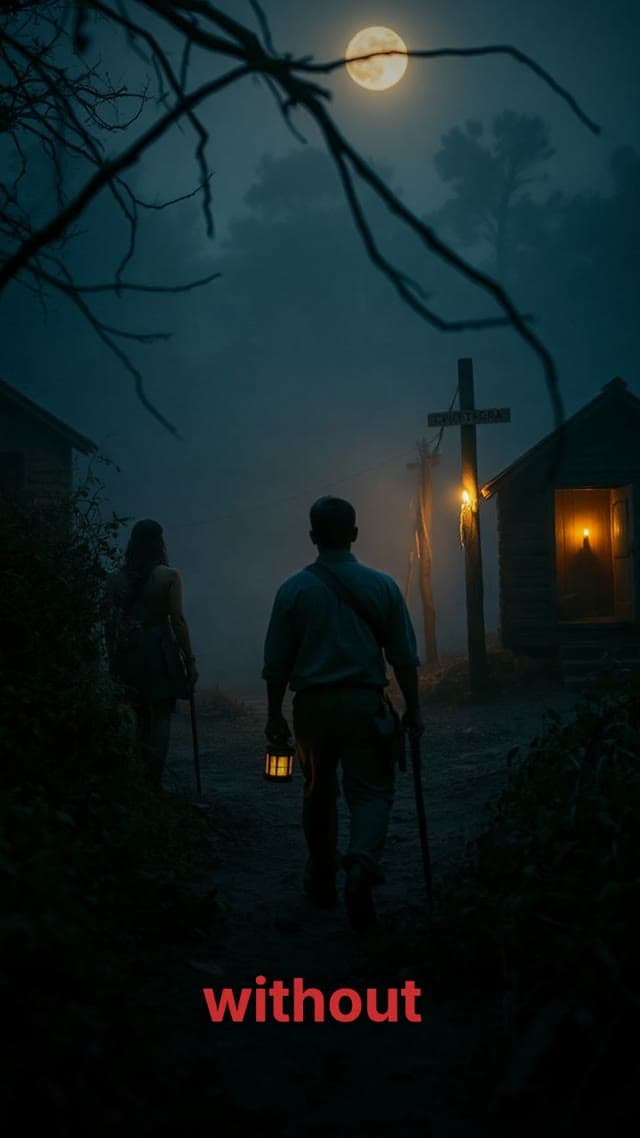
Anime storytelling
Explainers
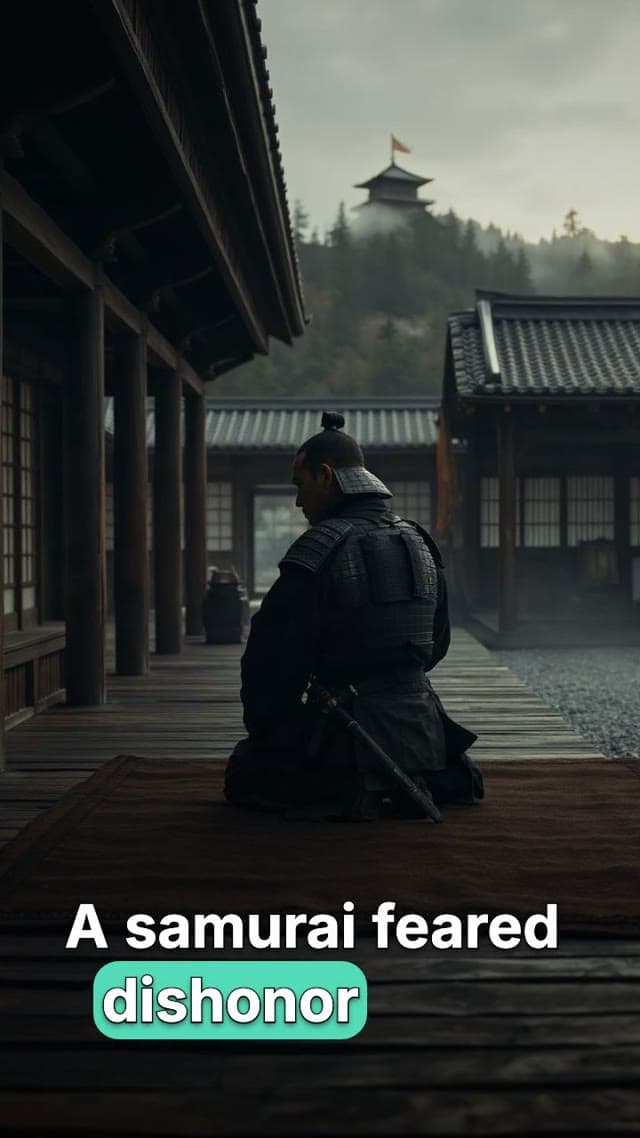
Moralab animated video example
An example of the animated scene format used for motion graphics and social explainers.
What is a motion graphics video maker?
A motion graphics video maker combines animated text, shapes, imagery, and transitions to communicate a message. Moralab provides an animated element library and an editable timeline. You can customize scene text, colors, typography, and timing, combine those scenes with media and narration, and export the result as a video.
Make the details
yours.
Browse titles, product scenes, proof and metrics, media scenes, and calls to action in the element library.
Use theme and per-scene settings to keep colors and typography aligned with the message.
Work with the animated scenes, narration, captions, and music in the same editable timeline.
Make your message move.
From idea to
finished video.
- 01
Structure the message
Start with a hook, a few supporting points, and a clear ending. Choose the scenes that make each point visible.
- 02
Customize the elements
Set text, colors, typography, and supported scene properties. Combine animation with your images or clips.
- 03
Time the sequence
Adjust scene duration and transitions, add narration and music, then preview the full video before exporting.
Ideas for your next video
Product explainers
Introduce a feature and show the workflow with a clear sequence of animated scenes.
Social announcements
Build a short launch or update video with a hook, key details, and a call to action.
Educational motion graphics
Make a definition, comparison, or process easier to follow with animated type and visuals.
Frequently asked questions
Can I customize the animated scenes?
Yes. Scene controls expose supported text, color, font, timing, and other properties. The available controls depend on the element you choose.
Can I combine motion graphics with video footage?
Yes. Moralab projects can combine animated scenes with images, video clips, voice-over, captions, and music.
Where can I see the element library?
Visit the Video elements page to explore the scene categories and previews, then use the studio to build your project.
Get started within minutes
Ready to make your next video feel less boring?
Turn your ideas into faceless videos and AI persona clips. Bring visuals, voice-over, captions, and music together in an editable studio.
Create your first video