
Launch your own faceless channel in just minutes
Turn a story, fact, or idea into a faceless video. Generate the script and visuals, add narration and captions, and shape every scene in the editable Moralab studio.
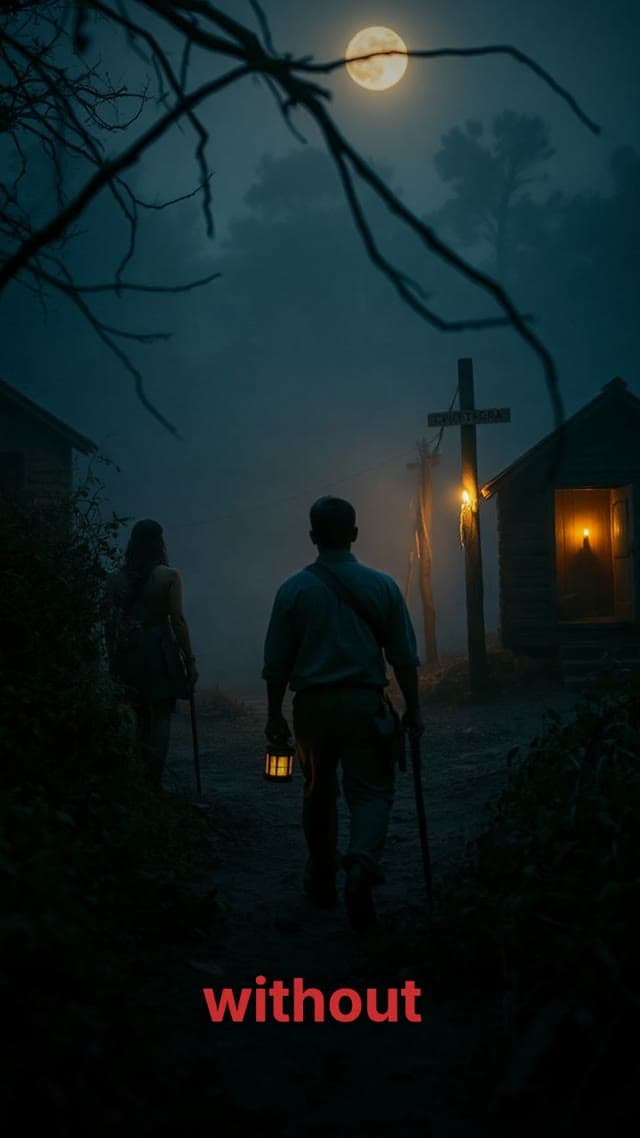
Anime storytelling
Explainers
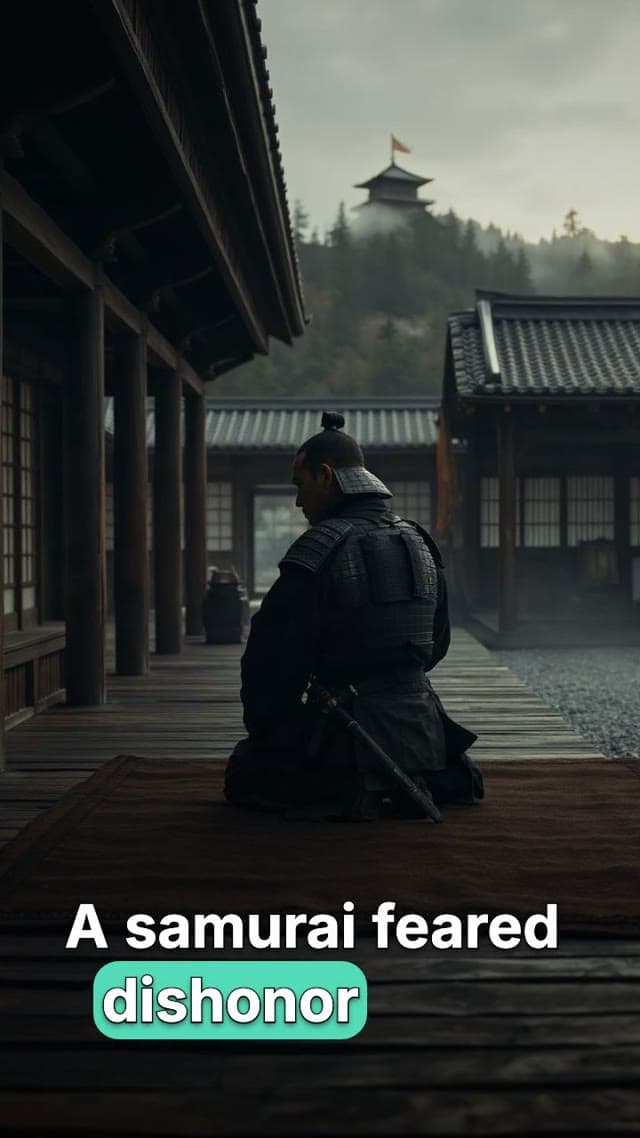
A faceless history video made with Moralab
An ancient-history short combining generated visuals, narration, and captions. Play the example to see the finished format.
What is an AI faceless video generator?
An AI faceless video generator creates videos without filming a presenter. Moralab combines a script, generated images or video clips, AI narration, captions, and music in one project. You can review the draft and edit individual scenes, media, and timing before downloading a video for your social channels.
Make the details
yours.
Generated narration provides timing for captions. Choose a caption preset or set fonts, colors, placement, and spoken-word highlights.
Combine an art style, narrator, caption treatment, and motion choice to give a series a recognizable look.
The result opens as an editable project. Fix a line, replace one visual, or shorten a scene without starting the whole video again.
Make every word count.
From idea to
finished video.
- 01
Choose the idea
Describe the topic and audience, or bring a script. Set the format, narrator, and visual style before generating.
- 02
Review the scenes
Read the script beside each generated asset. Rewrite lines, replace images, and keep the scenes that serve the story.
- 03
Finish the edit
Adjust captions, voice-over, music, and pacing. Preview the complete video and export the format your channel needs.
Ideas for your next video
History and storytelling
Build an episode around one event, question, or turning point. Use imagery to support the narration rather than crowding the frame.
Facts and explainers
Explain one idea at a time with a clear opening, visual examples, and a short conclusion.
Recurring social series
Keep a consistent voice and visual treatment across a channel. Plan episodes around questions your audience asks.
Frequently asked questions
Can I make faceless videos without recording my voice?
Yes. Choose an AI narrator to generate the voice-over from your script, then add captions and music in the same project.
Can I edit a generated faceless video?
Yes. Review and rewrite the scene script, replace media, and open the timeline editor to adjust scene duration, voice-over, music, and caption styling.
Can I make faceless videos for TikTok and YouTube Shorts?
Yes. Export a vertical video for TikTok, Instagram Reels, or YouTube Shorts. Download the file and upload it to your chosen platform.
How do I choose a faceless video niche?
Choose a subject you can research and turn into many useful episodes. History, mysteries, explainers, and creator tips are starting points. Test a repeatable format and measure audience response before expanding.
Will an AI faceless video go viral?
No tool can guarantee views or virality. Topic selection, originality, factual accuracy, the opening, pacing, and your audience all affect the result.
Get started within minutes
Ready to make your next video feel less boring?
Turn your ideas into faceless videos and AI persona clips. Bring visuals, voice-over, captions, and music together in an editable studio.
Create your first video