
Sound off. Your story still comes through.
Bring your footage or generate a new video. Add timed captions, choose a preset, and make the font, color, placement, and word highlights fit your edit.
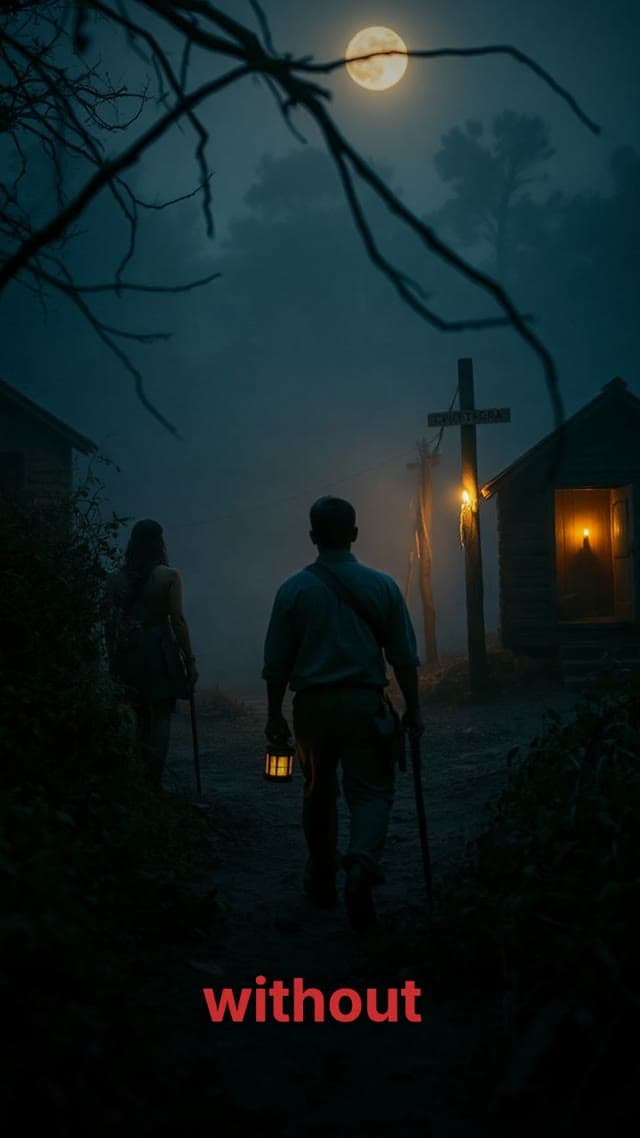
Anime storytelling
Explainers

Styled captions on a Moralab video
A caption example showing on-screen text treatment over footage.
How does an AI caption generator work?
An AI caption generator turns spoken audio into timed text on a video. Moralab transcribes uploaded footage when captions are enabled. For narration generated from a script, it uses voice timing to build the captions. You can choose a preset or customize the appearance before exporting the captioned video.
Make the details
yours.
Use sentence, word-by-word, or one-word reveals to match the pace of the speech.
Use size, border, shadow, and positioning to keep the captions legible without covering the subject.
Keep captions with the video project, so you can review them alongside visuals, narration, and music.
Make every word count.
From idea to
finished video.
- 01
Bring the speech
Upload an existing video through Modify existing video and enable captions, or create a narrated video in the studio.
- 02
Choose the treatment
Pick a preset or set font, size, case, text color, border, shadow, and spoken-word highlights.
- 03
Preview the captions
Check the words against the audio, inspect line length and placement, and export the finished video.
Ideas for your next video
Caption existing footage
Bring a recorded clip into the modification flow and finish the captioned result in the editor.
Narrated faceless videos
Use the generated narration's timing to caption your story or explainer.
AI persona clips
Enable captions for a speaking persona and style them to fit the presenter and frame.
Frequently asked questions
Can I add automatic captions to an uploaded video?
Yes. Use Modify existing video, upload your footage, and enable captions. Review the generated captions before exporting.
Can I highlight the word being spoken?
Yes. The caption controls include spoken-word highlighting and sentence, word-by-word, and one-word reveal styles.
Can I download a captioned video?
Yes. Moralab renders captions into the exported video. This page describes captioned video export, rather than a separate subtitle-file download.
Get started within minutes
Ready to make your next video feel less boring?
Turn your ideas into faceless videos and AI persona clips. Bring visuals, voice-over, captions, and music together in an editable studio.
Create your first video