
No mic needed for a story worth hearing
Give your video a voice without recording a take. Choose a narrator, review the script and delivery, and bring narration, visuals, captions, and music into one editable project.
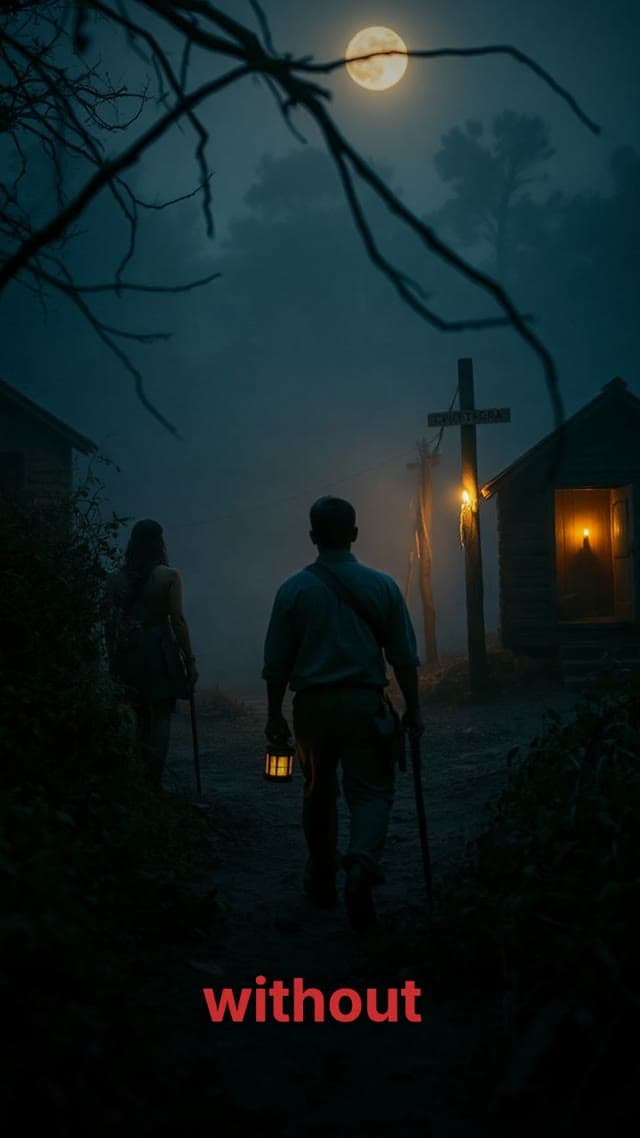
Anime storytelling
Cinematic stories

Hear narration in a Moralab explainer
Play this narrated example with sound to hear how voice-over carries a faceless educational video.
How do you make a video with an AI voice-over?
An AI voice-over video maker synthesizes narration from a written script and combines it with video scenes. In Moralab, choose a language and available voice, review the script, and generate the narration. Adjust the edit and soundtrack, add captions from the narration's timing, and export the finished video.
Make the details
yours.
Use a recognizable voice and delivery across a recurring video series.
Generated narration includes timing that Moralab uses to build captions from the script.
Review the narration in context and adjust the audio alongside video and music.
Give your story a voice.
From idea to
finished video.
- 01
Write for speech
Use short sentences and review names and pronunciation. Bring a script or refine the draft created for your topic.
- 02
Choose the narrator
Select from the available voices and languages. Match the narrator and delivery to the subject and audience.
- 03
Balance the finished edit
Preview narration with the visuals. Adjust timing, keep music below the voice, and inspect the captions before export.
Ideas for your next video
Faceless explainers
Let narration guide viewers through generated visuals and a focused idea.
Story episodes
Match the voice and pace to a historical event, mystery, or other narrative.
Product introductions
Explain a feature or workflow with a clear script and supporting motion graphics.
Frequently asked questions
Do I need to record my own voice?
No. Moralab generates narration from your script using an available AI voice.
Can I choose a language and narrator?
Yes. Voice-over controls include language and a voice from the available catalog. Check the current options in the studio for your project.
Can I control pronunciation and pacing?
Moralab includes narration speed and pronunciation controls. Review the generated voice before export, especially for names, technical terms, and unusual spellings.
Get started within minutes
Ready to make your next video feel less boring?
Turn your ideas into faceless videos and AI persona clips. Bring visuals, voice-over, captions, and music together in an editable studio.
Create your first video