
TikToks worth sticking around for
Create a vertical video around one strong idea. Build the visuals, narration, and captions with AI, then refine the opening and pacing before exporting for TikTok.
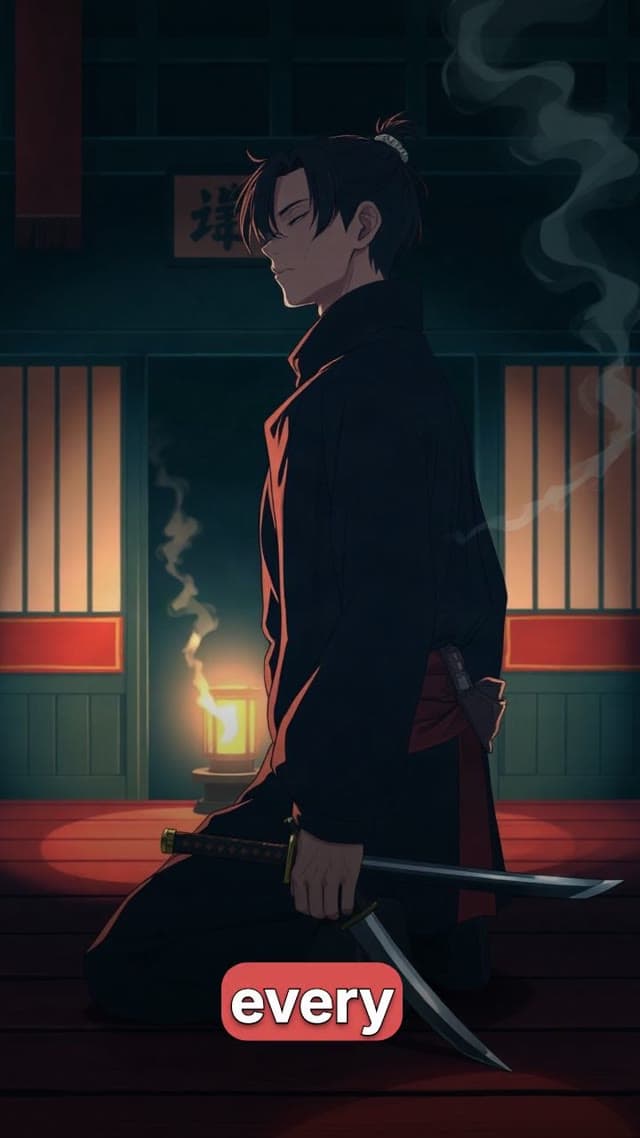
Explainers
Cinematic stories
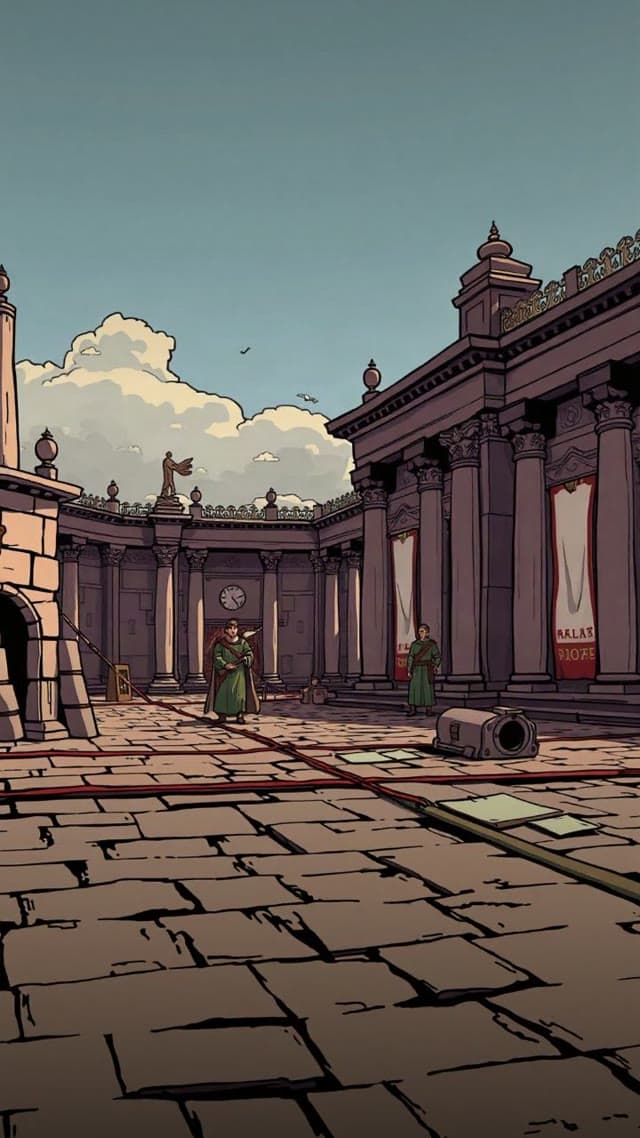
A mystery short in a vertical social format
A faceless story example with narrated scenes and captions, made with Moralab.
How do you make a TikTok video with AI?
Start with a topic or script, choose a vertical format, and generate the visuals and narration. In Moralab, review the scenes, shorten the opening, and set readable captions before exporting. Download the finished file and upload it to TikTok, where you can add your post text and platform-specific details.
Make the details
yours.
Use narrated generated imagery for a faceless channel, or an AI persona for a talking-to-camera message.
Trim scenes that repeat the same point. Adjust the timeline so the opening leads quickly into the story.
Choose sentence, word-by-word, or one-word reveals. Review the placement to keep important visuals visible.
Put your words on camera.
From idea to
finished video.
- 01
Write the opening
Start with a specific question or moment. Tell Moralab the topic and tone, then review the generated script.
- 02
Build for the phone
Use a vertical format, a clear focal point, and captions that remain readable over the visuals.
- 03
Export for TikTok
Watch the whole edit, check caption placement, and download the video to upload to TikTok.
Ideas for your next video
Story episodes
Build a recurring history, mystery, or educational format around one question per video.
AI persona explainers
Create a short presenter-led answer with an approved avatar, script, and voice.
Creator tips
Turn one practical observation into a focused video with a clear example and takeaway.
Frequently asked questions
Does Moralab publish directly to TikTok?
Use Moralab to generate, edit, and export your TikTok video, then upload the downloaded file to TikTok. Direct TikTok publishing is not part of the workflow described here.
Can I create faceless TikTok videos?
Yes. Combine generated visuals, AI narration, captions, and music without recording yourself on camera.
Can I use the same project for Reels and Shorts?
Yes. Export a vertical version for each channel, preview the framing, and adjust caption placement where needed.
Get started within minutes
Ready to make your next video feel less boring?
Turn your ideas into faceless videos and AI persona clips. Bring visuals, voice-over, captions, and music together in an editable studio.
Create your first video