
Moralab vs CapCut: Which suits your next video?
Compare two social video workflows: generating a draft in Moralab and editing media with CapCut. Moralab brings AI scenes, narration, and persona generation into the project; CapCut's online editor offers footage editing and AI tools for subtitles and speech.
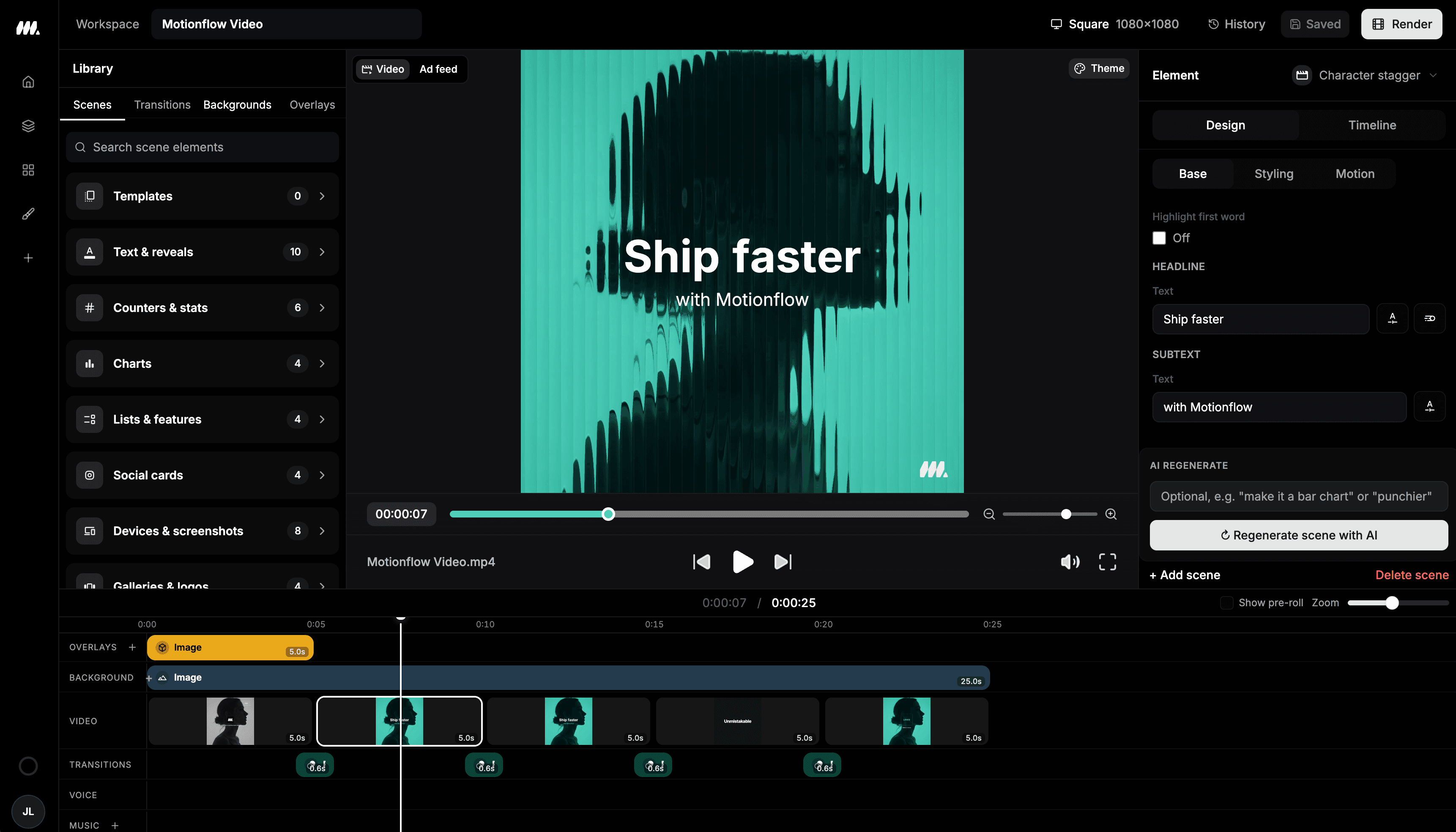
Compare the workflows
| Workflow | Moralab | CapCut |
|---|---|---|
| Production focus | Faceless stories, AI persona clips, and editable social videos. | Online footage editing, subtitles, effects, and social formats. |
| Starting point | A topic or script, a photo for a persona, published templates, or uploaded footage. | Upload media and edit it on the timeline. |
| Editing workflow | Review scenes and assets, then adjust the timeline, voice-over, captions, music, and export format. | Its online editor lists text overlays, filters, music, sound effects, and custom export. |
Competitor details checked on October 5, 2026 against CapCut's official website. Compare current plan limits on each provider's pricing page.
When Moralab fits
Explore Moralab when your recurring work combines faceless stories, AI persona clips, and scene editing. Review the draft, shape the timeline, and finish narration and captions in one project.
Explore the Moralab workflowWhen to explore CapCut
Explore CapCut when you already have footage and want a broad editing workflow with effects, text overlays, and automatic subtitles.
See CapCutTry the same brief in both tools
Caption the same recorded clip in both tools. Compare transcription, word emphasis, typography, placement, and the final phone-sized preview.
Moralab plans and creditsGet started within minutes
Ready to make your next video feel less boring?
Turn your ideas into faceless videos and AI persona clips. Bring visuals, voice-over, captions, and music together in an editable studio.
Create your first video